




官网文档,里面的例子太多了,我就一些典型的我们来试试。
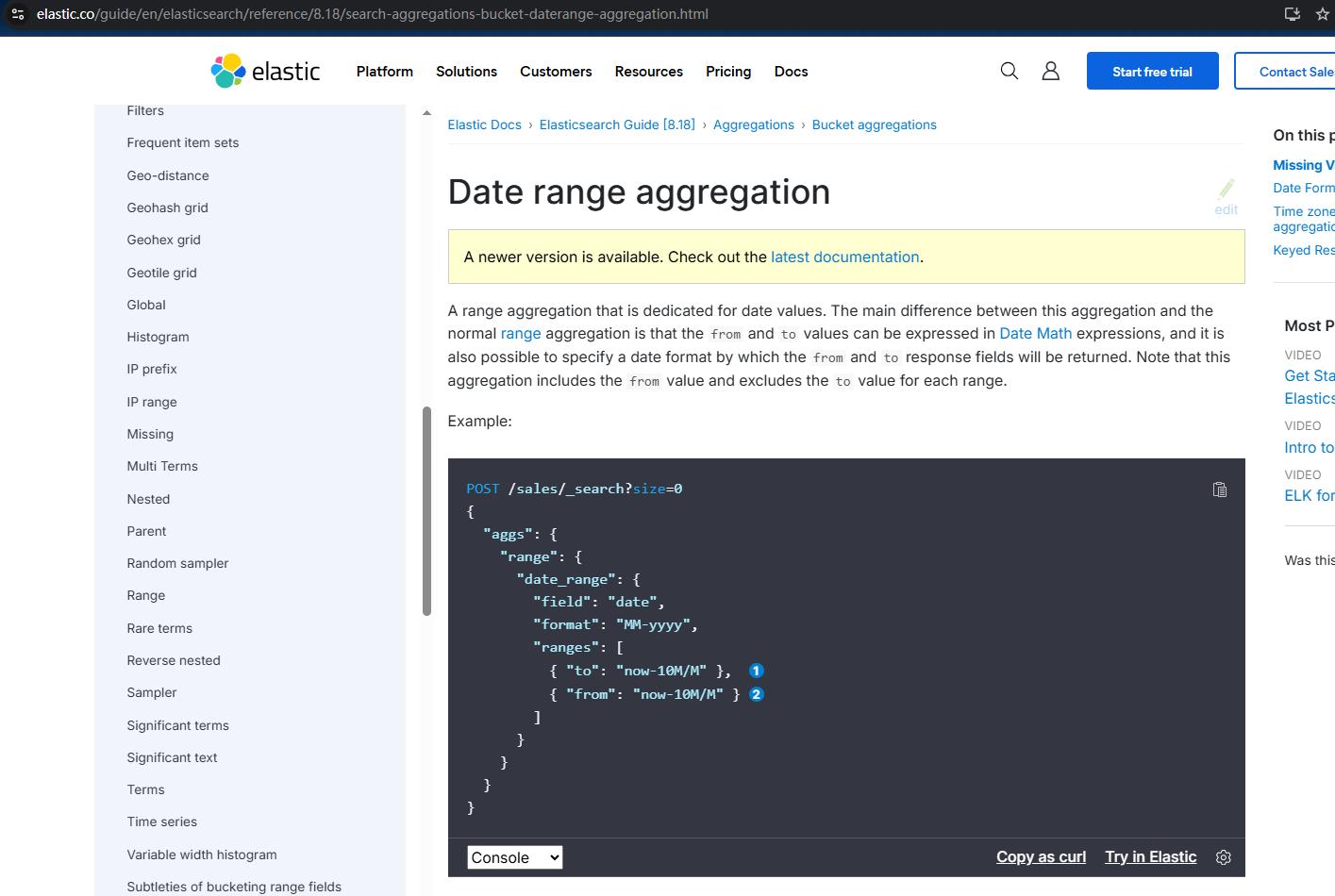
场景:你是电商运营,想知道去年双11到双12期间的订单量,或者近三个月哪个月份销售额最高。这时候,Elasticsearch的Date Range聚合就像个时间管理大师,能把数据按你指定的时间段「咔咔」分组,比翻日历算日子可快多了!
啥是Date Range聚合?先看个栗子
简单说,它就是按时间范围把数据「装到不同的盒子里」。比如你想统计:
今年1月1日到3月31日的订单
4月1日到6月30日的订单
7月1日以后的订单
只需要定义几个时间范围,Date Range聚合会自动把每个文档按日期字段归类到对应的盒子里。而且它比普通的range聚合更智能,支持日期数学表达式(比如now-1d代表昨天),还能指定日期格式,简直是时间数据的「分拣神器」。
实战:用Date Range分析电商订单
先整个订单索引,包含订单日期和金额字段:
PUT /order_data
{
  "mappings": {
    "properties": {
      "order_date": { "type": "date" },
      "amount": { "type": "double" }
    }
  }
}
塞点测试数据,模拟不同时间段的订单:
POST /order_data/_bulk
{"index":{"_id":1}}
{"order_date":"2024-11-11T00:00:00Z", "amount":1299}
{"index":{"_id":2}}
{"order_date":"2024-11-30T00:00:00Z", "amount":899}
{"index":{"_id":3}}
{"order_date":"2024-12-12T00:00:00Z", "amount":1599}
{"index":{"_id":4}}
{"order_date":"2025-01-01T00:00:00Z", "amount":999}
{"index":{"_id":5}}
{"order_date":"2025-02-14T00:00:00Z", "amount":1399}
现在想按季度分组,看看每个季度的订单金额总和,咋整?用Date Range聚合:
GET /order_data/_search
{
  "size": 0,
  "aggs": {
    "quarterly_sales": {
      "date_range": {
        "field": "order_date",
        "format": "yyyy-MM",
        "ranges": [
          { "from": "2024-11-01", "to": "2024-12-31" },
          { "from": "2025-01-01", "to": "2025-03-31" }
        ]
      },
      "aggs": {
        "total_amount": {
          "sum": { "field": "amount" }
        }
      }
    }
  }
}
这里field指定日期字段,format定义返回的日期格式,ranges里写具体时间段。每个时间段对应一个桶,然后在每个桶里用sum聚合算金额总和。
执行结果:时间分段数据一目了然
{
  "aggregations": {
    "quarterly_sales": {
      "buckets": [
        {
          "key": "2024-11-01 to 2024-12-31",
          "from": 1730332800000,
          "to": 1732924800000,
          "doc_count": 3,
          "total_amount": {
            "value": 3797
          }
        },
        {
          "key": "2025-01-01 to 2025-03-31",
          "from": 1732924800000,
          "to": 1735603200000,
          "doc_count": 2,
          "total_amount": {
            "value": 2398
          }
        }
      ]
    }
  }
}
结果里每个桶显示:
key:时间段描述doc_count:该时间段的订单数量total_amount:该时间段的订单总金额
一眼就能看出2024年11-12月卖了3797元,2025年1-3月卖了2398元,哪个时间段卖得好清清楚楚!
进阶玩法:用日期数学表达式偷懒
有时候不想写死具体日期,比如想查「昨天」「上周」「本月」的数据,Date Range支持超方便的日期数学表达式:
GET /order_data/_search
{
  "size": 0,
  "aggs": {
    "recent_sales": {
      "date_range": {
        "field": "order_date",
        "format": "yyyy-MM-dd",
        "ranges": [
          { "to": "now-1d" },        // 昨天及以前
          { "from": "now-7d", "to": "now-1d" },  // 上周(7天前到昨天)
          { "from": "now-30d" }       // 近30天
        ]
      }
    }
  }
}
now代表当前时间,now-1d就是「当前时间减1天」,now-7d是「当前时间减7天」,是不是比算具体日期省事多了?
注意事项:别踩时间格式的坑
日期字段类型必须正确:确保字段映射为
date类型,不然聚合会报错。from和to的包含关系:Date Range默认包含
from,不包含to,比如from:2024-11-01 to:2024-12-31会包含11月1日,不包含12月31日23:59:59之后的数据。时区问题:Elasticsearch默认用UTC时区,如果你存的是本地时间,可能需要用
time_zone参数调整,比如time_zone: "+08:00"设置为北京时间。
评论区